
Givestar


Take your fundraising to the next level with givestar’s mobile-first tools that make fundraising easy, social and rewarding.
Thousands of supporters have already raised millions of pounds for charity using givestar, will you join them?
Get started in three easy steps
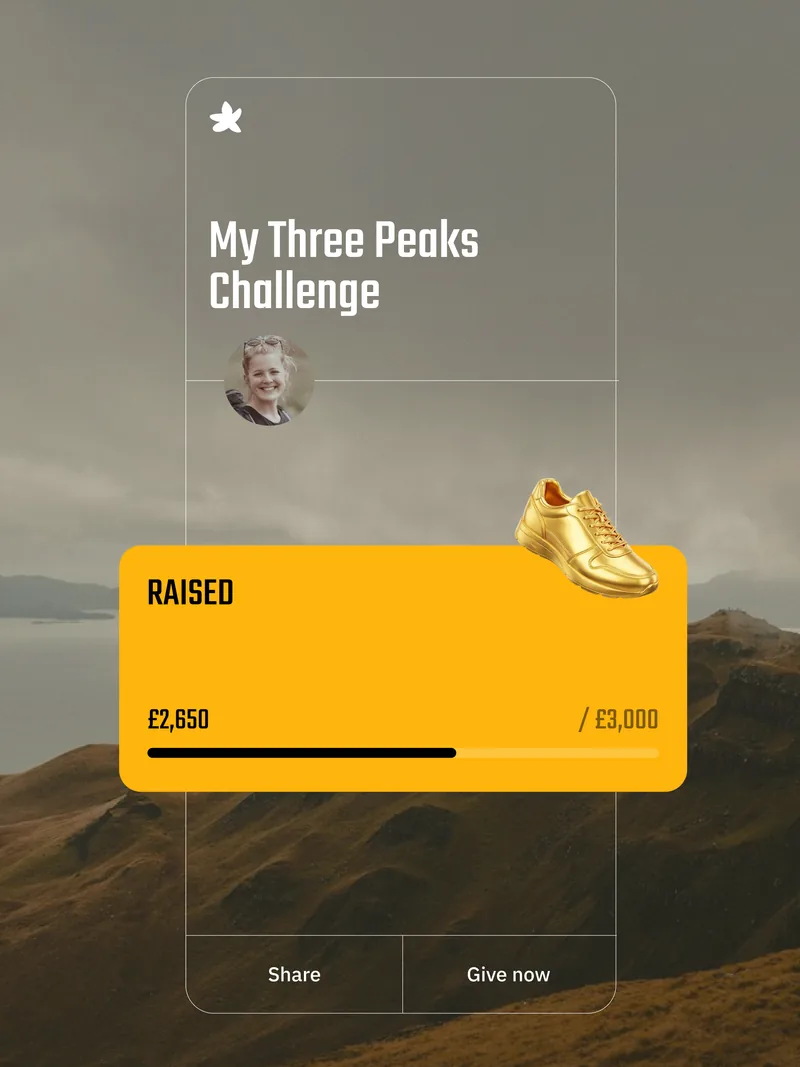
Step 1
Click ‘Get Fundraising’ below, scroll down to the RunThrough calendar and hit ‘get fundraising’ on your event.
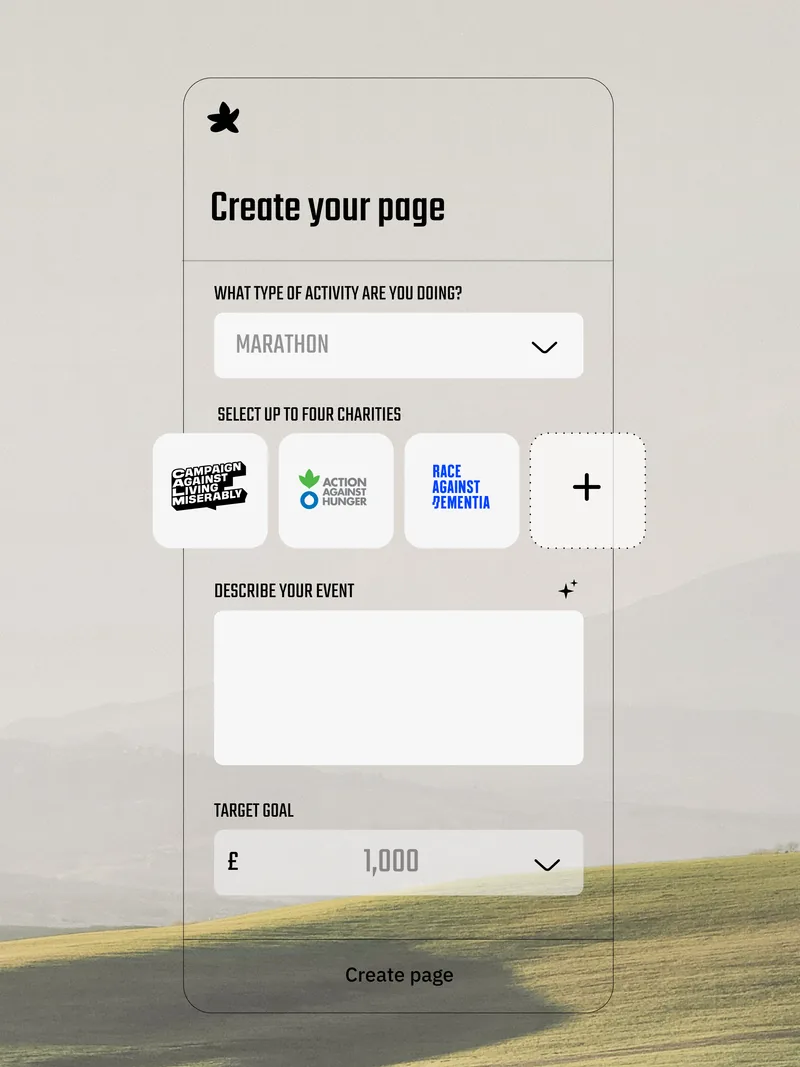
Step 2
On the event page, click ‘Join Event’ and follow the steps to sign up and create your fundraising page, either as an individual or as a team. Choose up to 4 charities to raise for and set a fundraising target.
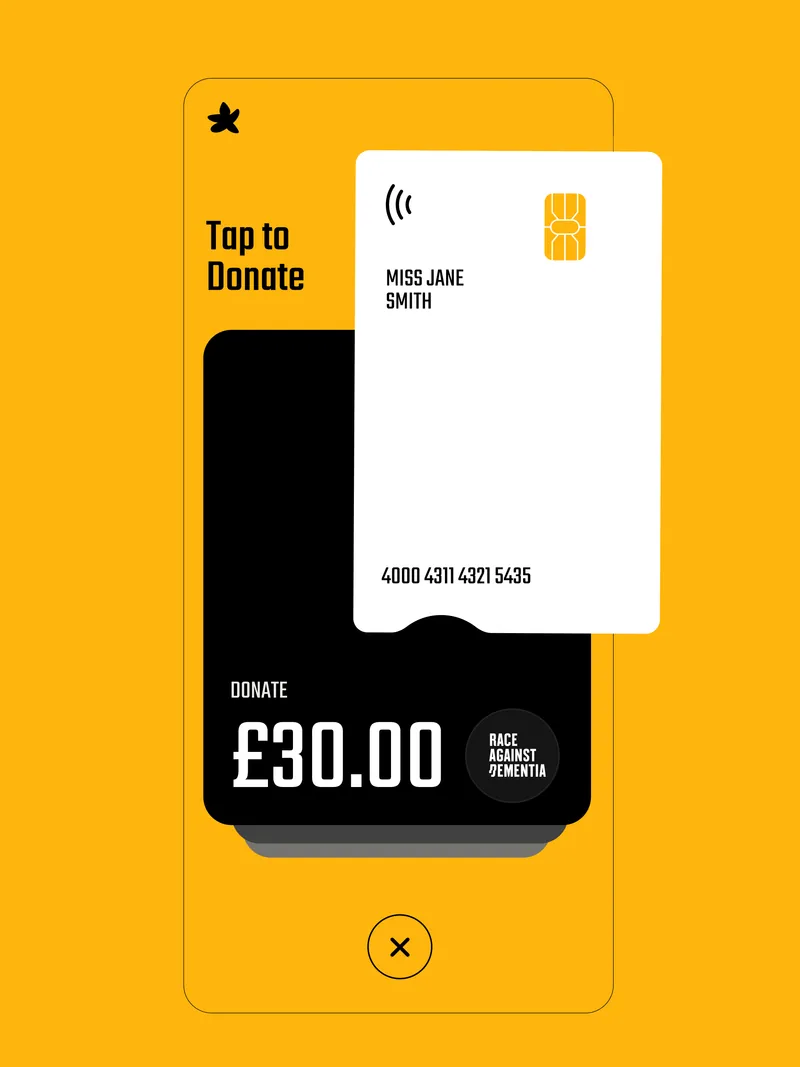
Step 3
Once you’ve created your page (don’t forget to add a heart felt description and images) share it… and then share it again and again!
Features

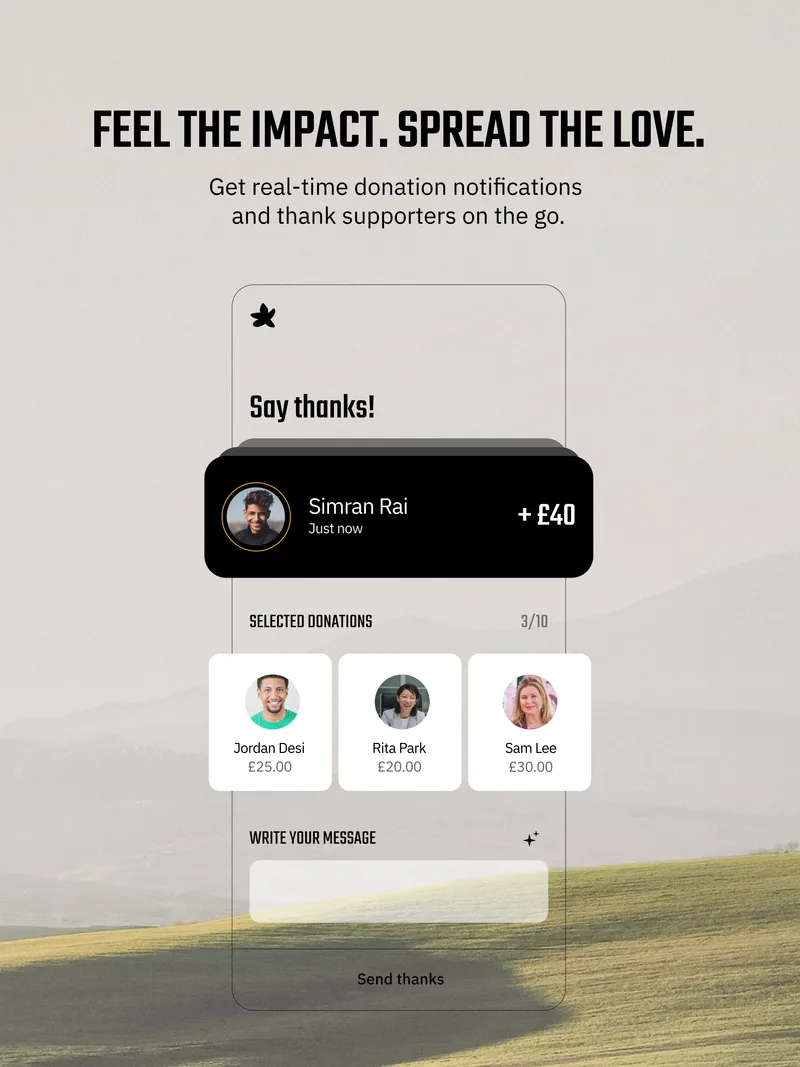
Running isn’t just about counting steps, it’s about making every step count.
So whether you’re signed up to a RunThrough event or plan to join one soon, now’s the perfect time to make your run count. Start your fundraiser on givestar today.
Partner with RunThrough
Join the UK’s largest running community and connect your brand with hundreds of thousands of runners every year.
Our Partners